Welcome to Rentit4me


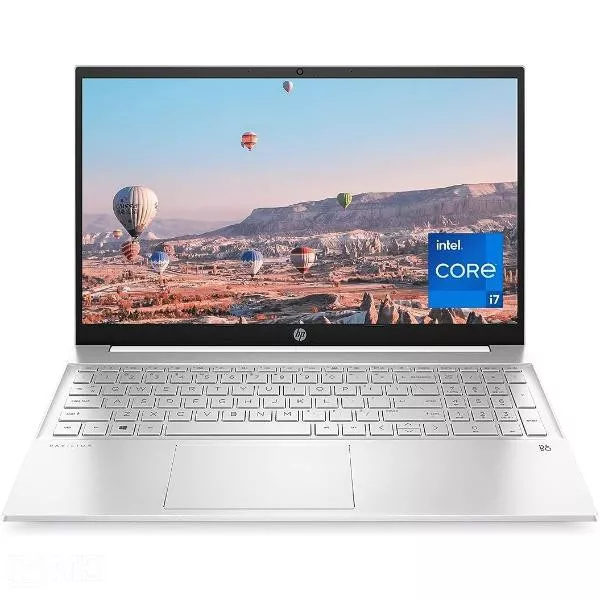
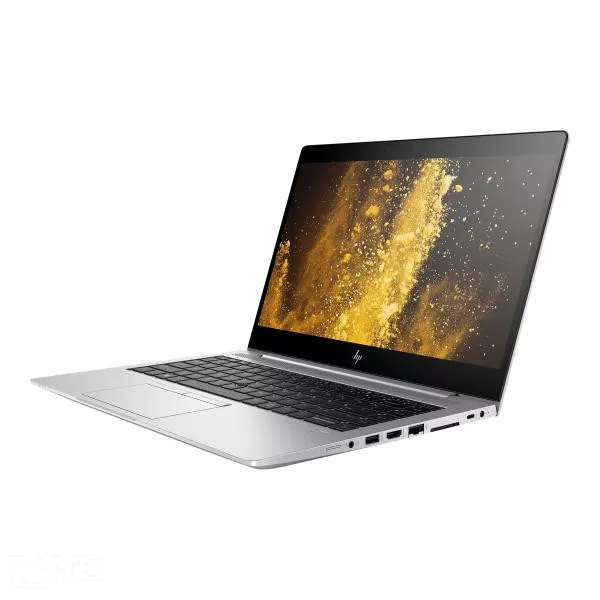
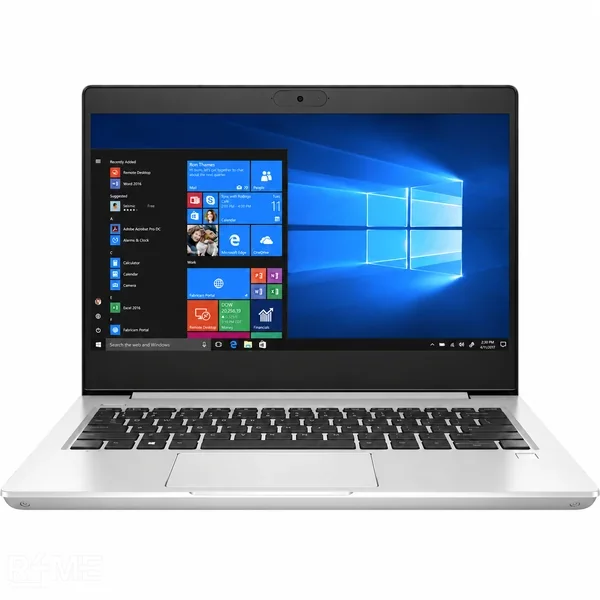
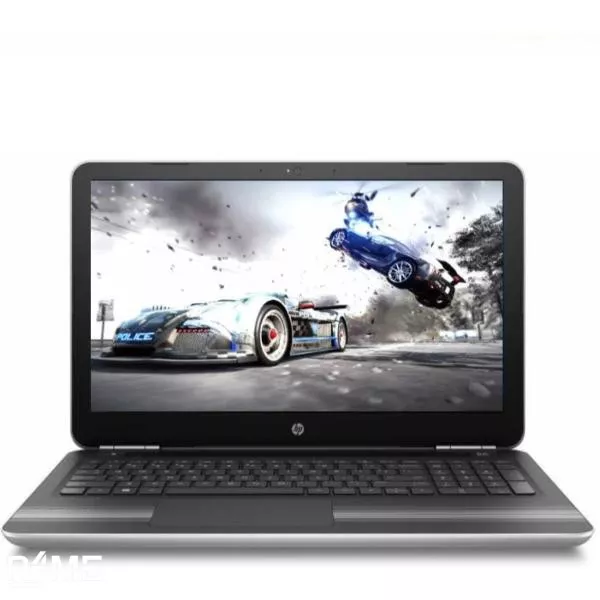
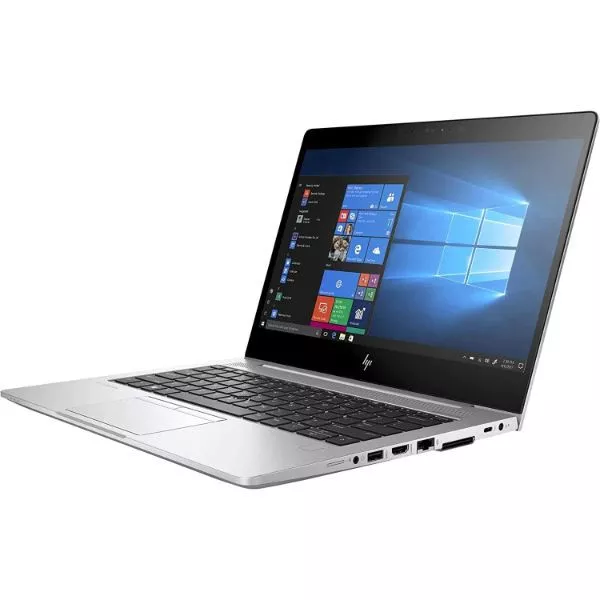
i7 11th Gen 16 GB 512 SSD
₹5,299.00/ Month
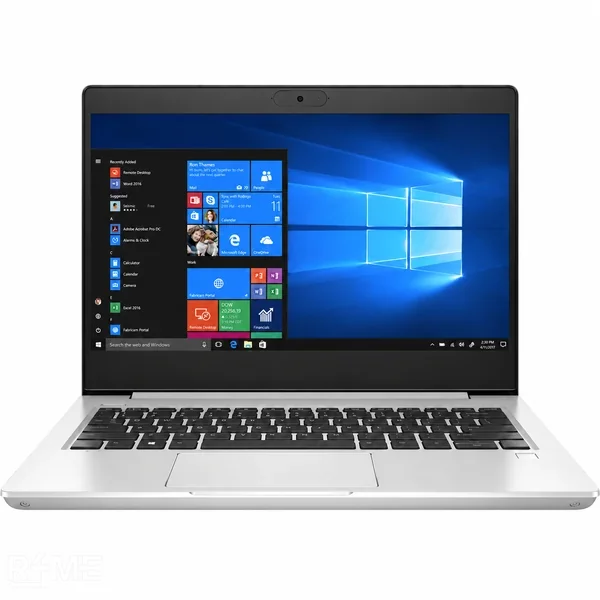
Looking for a Windows laptop on rent in Gurugram for work, business, studies, software development, project work or a temporary requirement? Rentit4me offers a range of Windows laptops across Intel Core i5 and i7 configurations, with different processor generations, RAM and SSD combinations to help you choose a machine based on the work you actually need to do.
Professionals starting a new job or a fixed-term contract in Gurugram often need a capable laptop immediately, without the wait or cost of researching and buying one. Renting an i5 or i7 configuration gets you productive from day one.
A Windows laptop can be used for very different types of work, and the ideal configuration changes accordingly.
This is why choosing a laptop based only on its processor name can be misleading. The generation, RAM, SSD and graphics capability should be considered together.
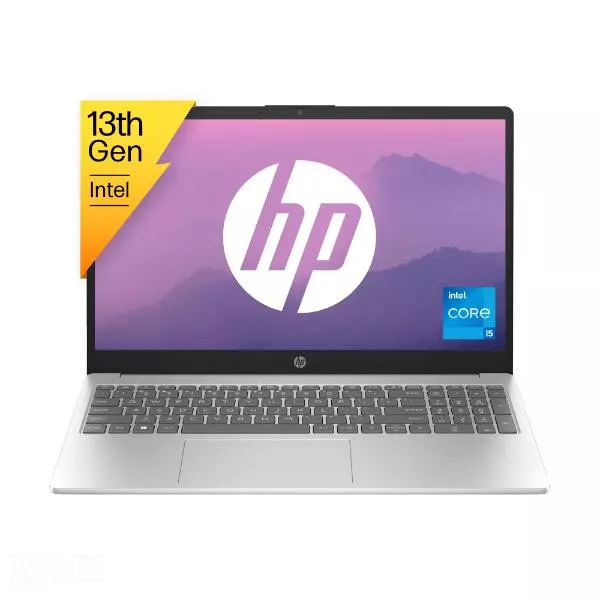
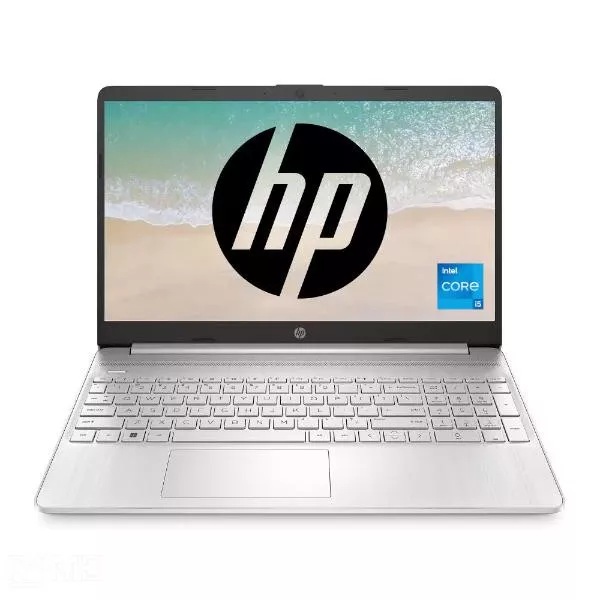
The Intel Core i5 range is often the most practical place to start for businesses, professionals, students and general productivity users.
i7 13th Gen 32GB 1TB SSD 4GB GFX: Rentit4me's top-tier Windows configuration in Gurugram the latest i7 generation, 32GB RAM, 1TB of storage, and a dedicated 4GB graphics card, suited to video editing, light gaming, CAD work, and other graphics-intensive tasks that integrated graphics can't handle well.
i7 11th Gen 16GB 512GB SSD: A strong all-round configuration for heavier professional workloads, from multitasking to light creative work.
i7 12th Gen 16GB 512GB SSD: Improved efficiency and performance over the 11th Gen, suited to professionals who need consistent performance under sustained workloads.
To rent a Windows laptop through Rentit4me, you'll typically need to provide:
KYC verification is usually completed within a few hours of submission.
Rentit4me's laptop rental model supports multiple rental-duration options on individual products. Current product show 3, 6, 9 and 12 month options on several Windows configurations, with the effective monthly rate changing according to the selected tenure.
This is one of the most common questions when comparing Windows laptops.
For everyday office work, web applications, documentation, meetings and standard business operations, an i5 configuration can be sufficient when the rest of the specification matches the workload. An i7 can make more sense when you need heavier multitasking, development, analysis or demanding applications.
RAM affects how comfortably the laptop handles multiple active applications.
For simple browser use, documentation, email and standard office applications, 8GB can be sufficient for some users. If you routinely work with large spreadsheets, multiple browser windows, development environments, design applications, virtual machines or several applications at the same time, 16GB can provide more headroom.
The SSD affects both storage capacity and everyday system responsiveness. A 256GB SSD can work for users whose files are primarily stored in cloud storage or who do not keep a large local application and media library. A 512GB SSD provides more room for applications, documents, project files and local work.
That is why 512GB appears across much of Rentit4me's Windows laptop range, from i5 business configurations through i7 models. For users handling large projects, extensive local files or software installations, the 1TB configuration becomes more useful.
Laptop rental is particularly relevant for businesses because employee and project requirements do not always stay constant.
A startup may recruit ten employees within a month and need computers immediately. and company may launch a six-month project and require a temporary project team. And business may also need temporary devices for consultants, interns, remote employees or contract teams.
In these situations, buying every laptop creates a large hardware commitment before the business knows how long those devices will actually be required.
Choosing a Windows laptop to rent in Gurugram becomes much easier when you stop looking at the processor name in isolation. With multiple rental durations and configurations available, you can select a Windows laptop based on how you actually plan to use it rather than committing to a permanent hardware purchase. Browse Windows laptops on rent in Gurugram, compare the configurations, choose your rental duration, and get the laptop that fits the work.
Yes. Rentit4me has a dedicated Windows laptop category for Gurugram with multiple Intel Core i5 and i7 configurations.
8GB can be sufficient for many everyday tasks, but users who regularly multitask or run heavier applications may benefit from 16GB RAM.
Rentit4me Offer with minimum 3-months rental option on several Windows laptop configurations, although the exact terms depend on the selected product in Gurugram.
Yes. Laptop rental providers commonly support business requirements such as employee onboarding, temporary project teams, training, events and distributed teams.